
Using Zenia to Suggest Metadata Tags
You can use Zenia, the AI assistant, to suggest metadata tags for a page.
It achieves in the correct style of your site by using the About My Organization settings.
1) Make sure your content item (e.g. HTML page) isn't empty (it needs a few words of in-page content).
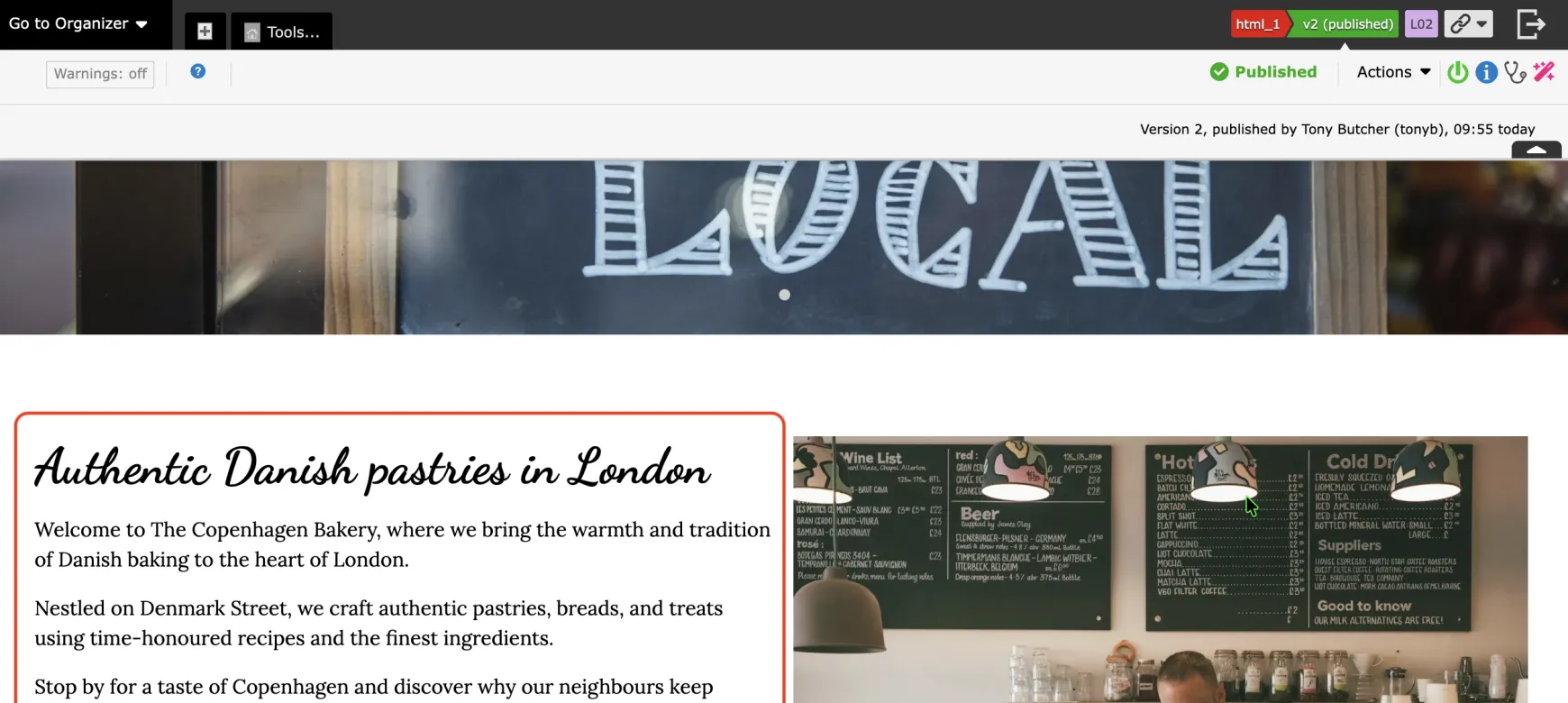
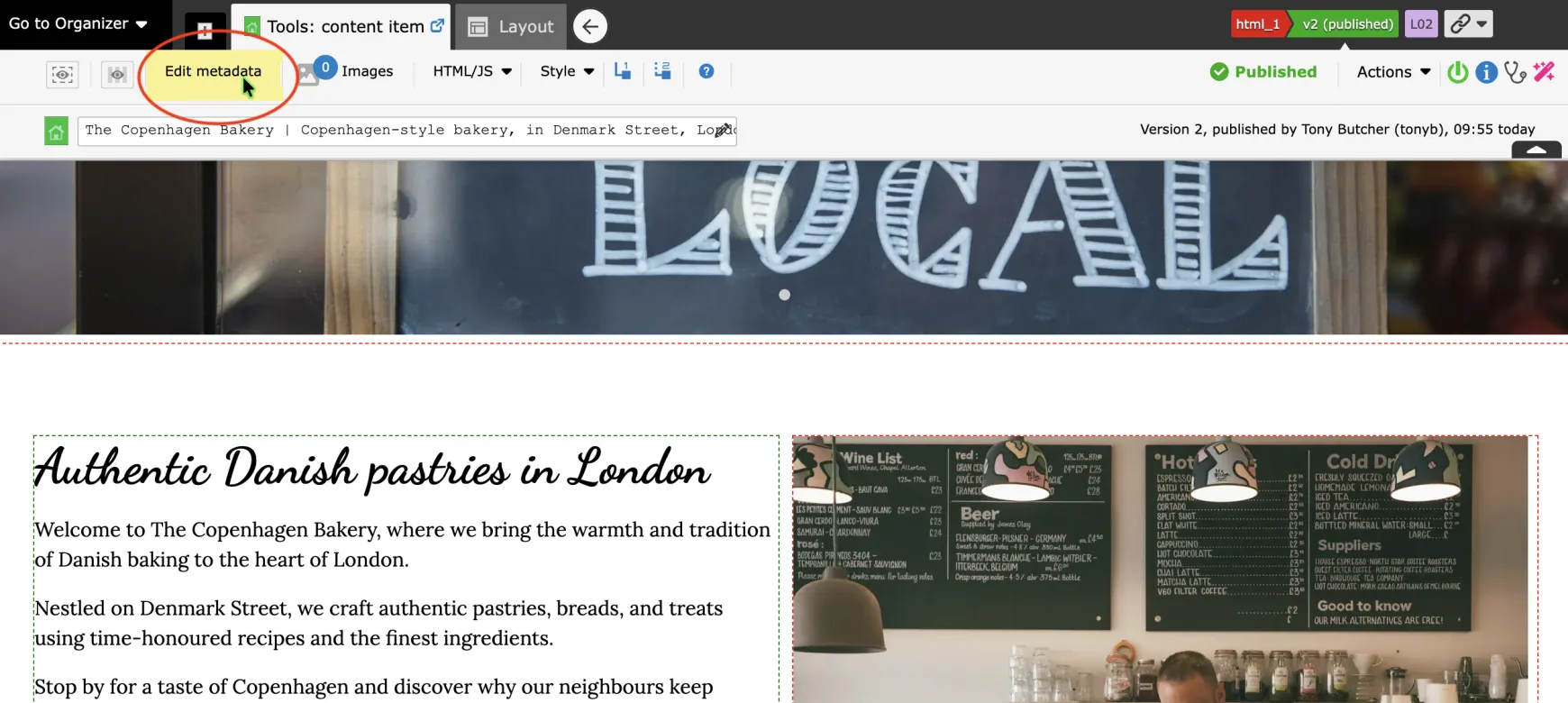
2) In the Admin Toolbar, click on Tools, and then open Metadata for the page.
Click on the Metadata tab:
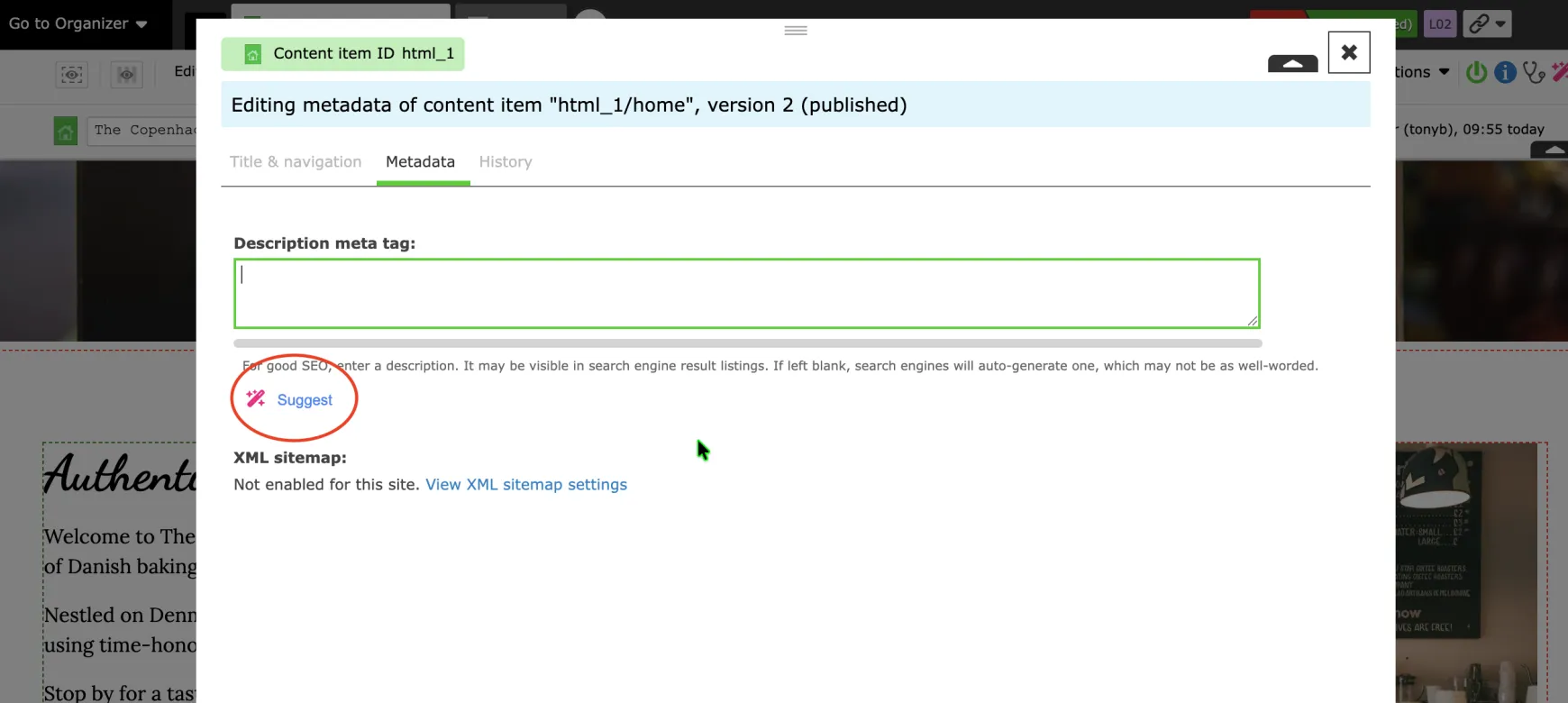
3) Click "Suggest" underneath a Metadata field, such as the Description (Keywords and Summary fields may also be available):
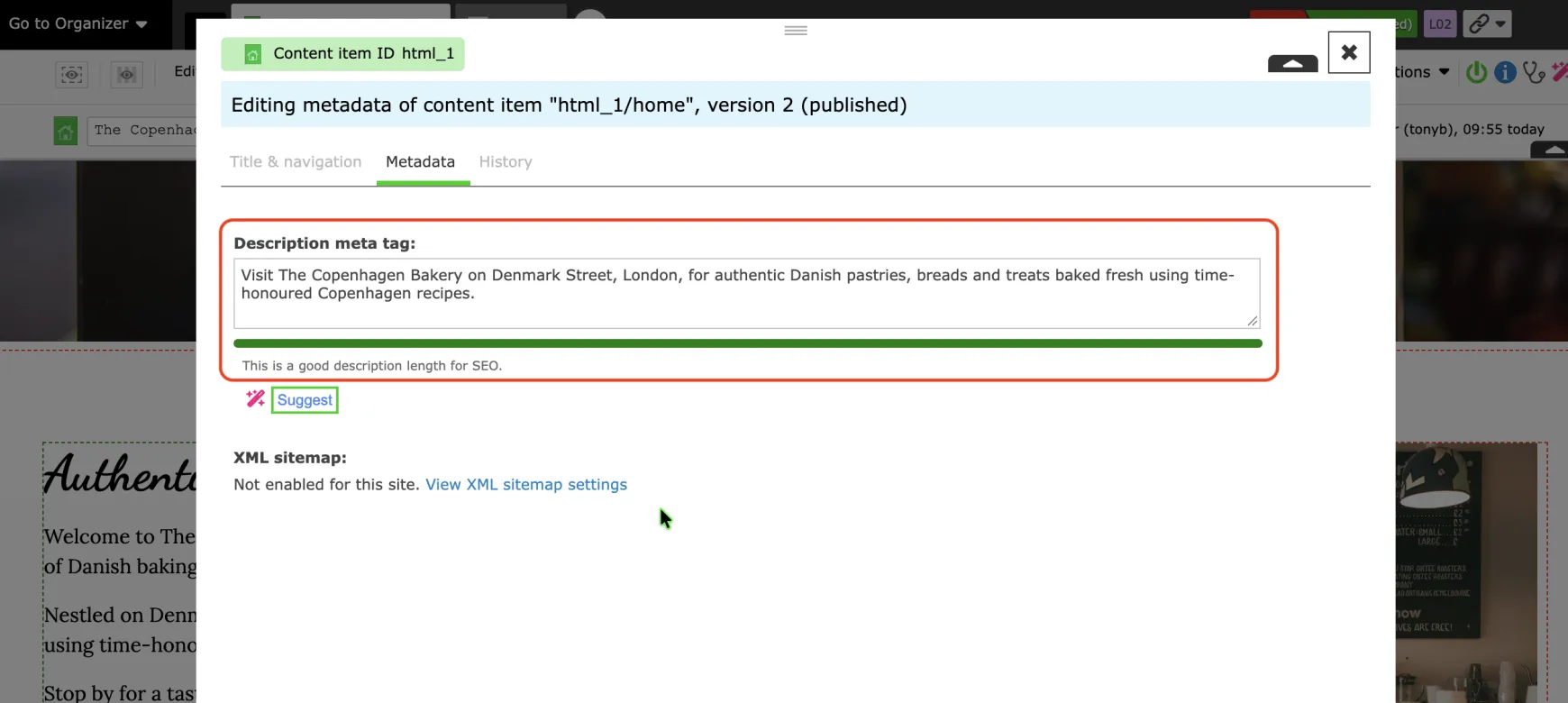
You may of course edit this yourself manually.
4) Press the "Save" button in the lower-right corner, and your changes are saved.
