
Using alternative CSS classes
To use alternative CSS classes in Zenario, you can apply them to plugins through their settings:
- Select the "Tools" mode on the Admin Toolbar.

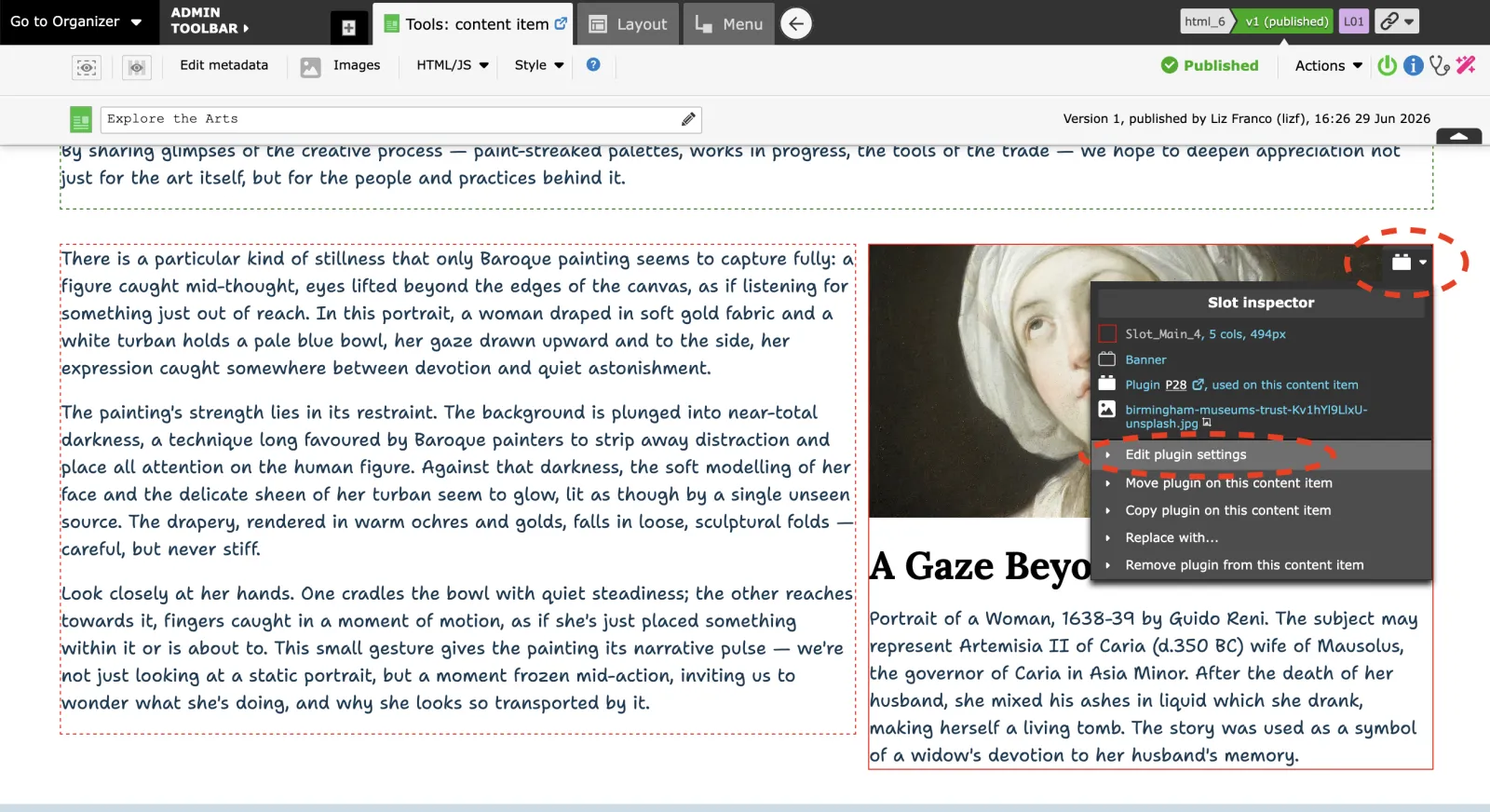
- Hover over the banner image — admin controls should appear. Click "Edit plugins settings". This opens the Banner settings panel.
- Go to the "Styles" tab in the plugin settings. You'll see optional CSS styles that are advertised by the skin. Select the CSS class you want to apply from the available options.
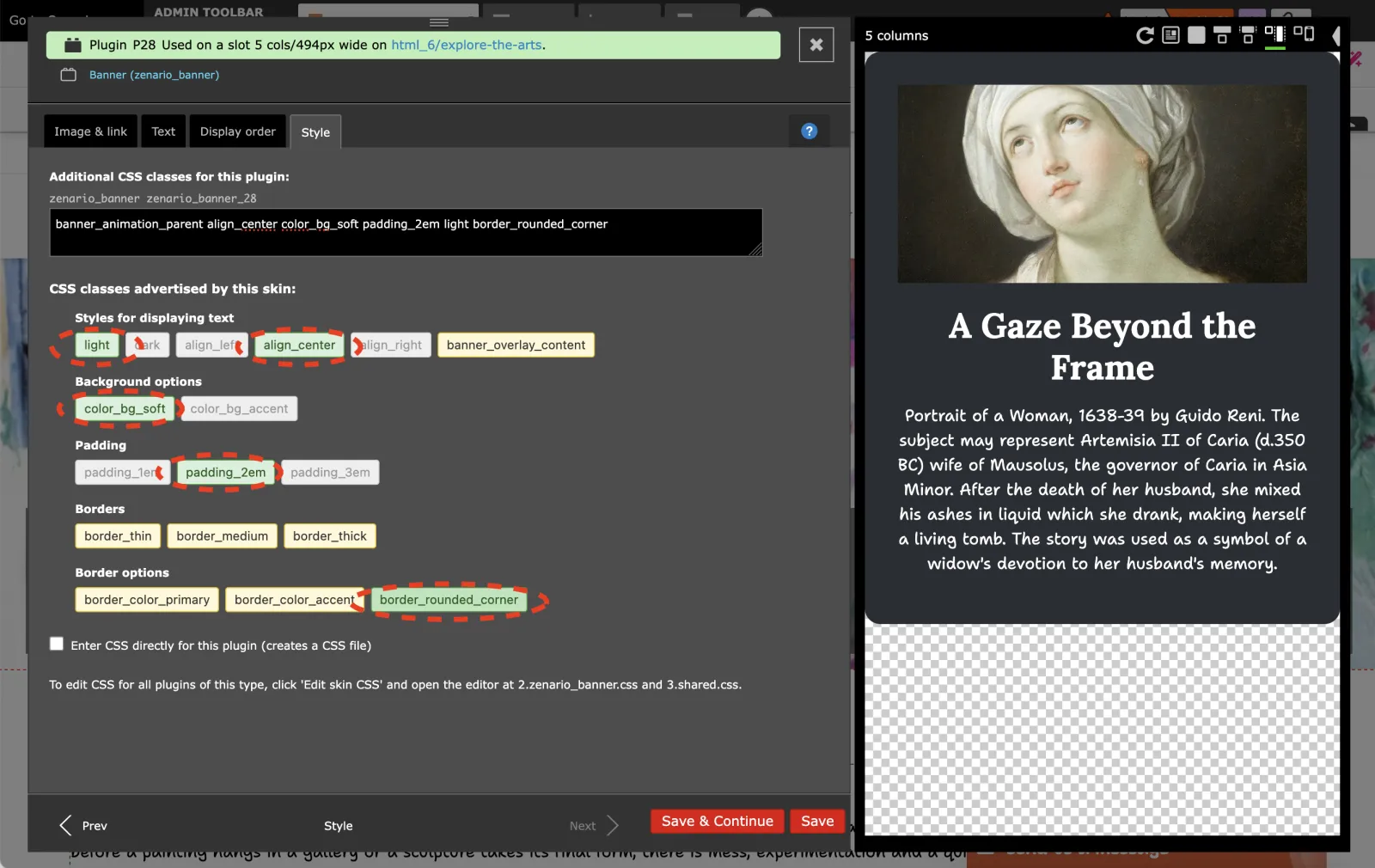
The available CSS classes are defined in the skin's description file, so the options you see will depend on which skin your layout is using.
