Changing the sitemap
Click Go to Organizer > Menu navigation. Select the menu section (e.g. "Main", "Footer").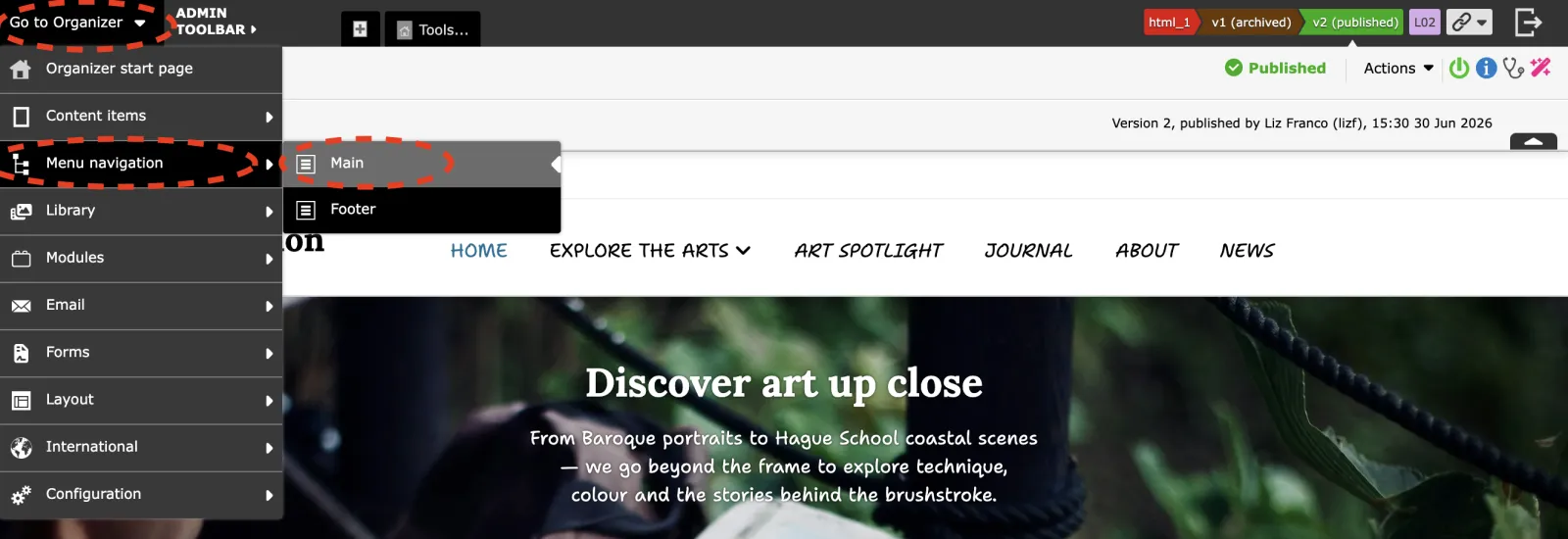
Editing a menu node
- Select the menu node to edit. Click 'Edit menu node properties' button.
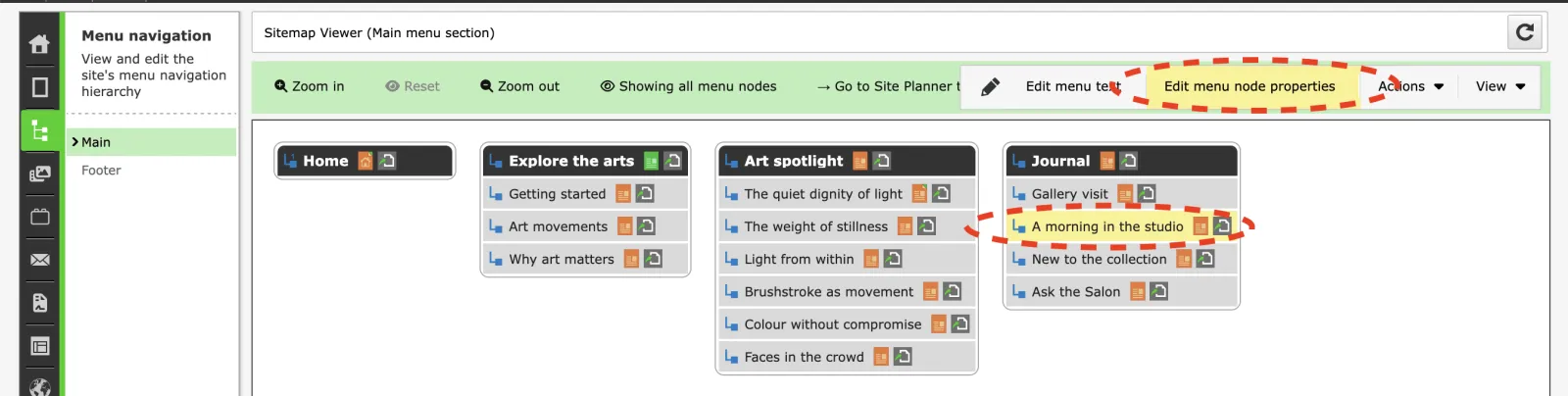
Edit the menu node settings and click 'Save' button.
Deleting a menu node
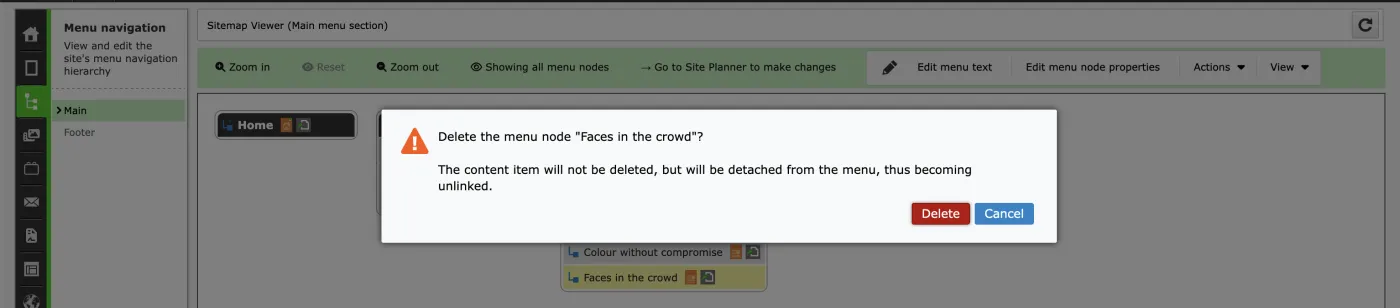
- Select the menu node to delete. Click 'Actions' > 'Delete menu node'.
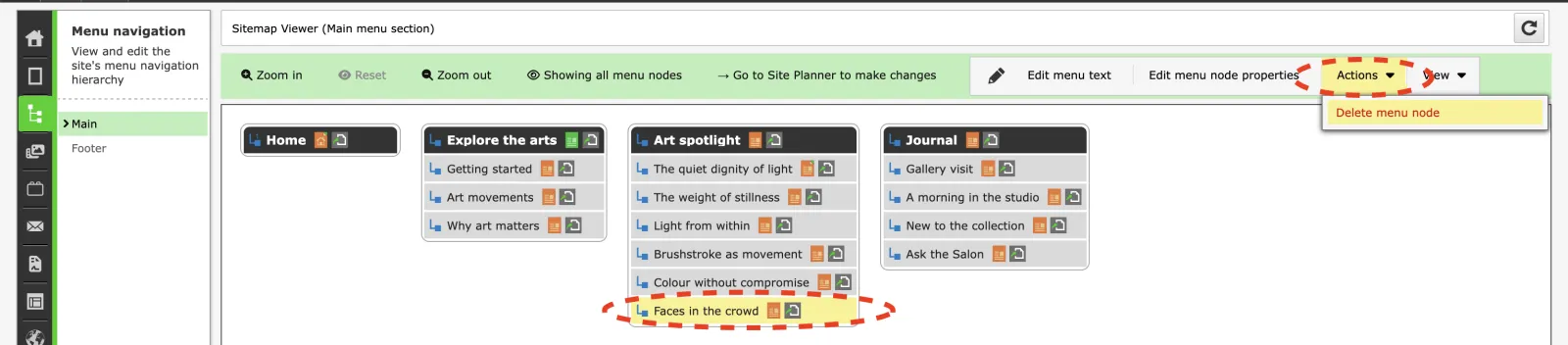
- Click 'Delete' button to confirm the action.
Adding a menu node
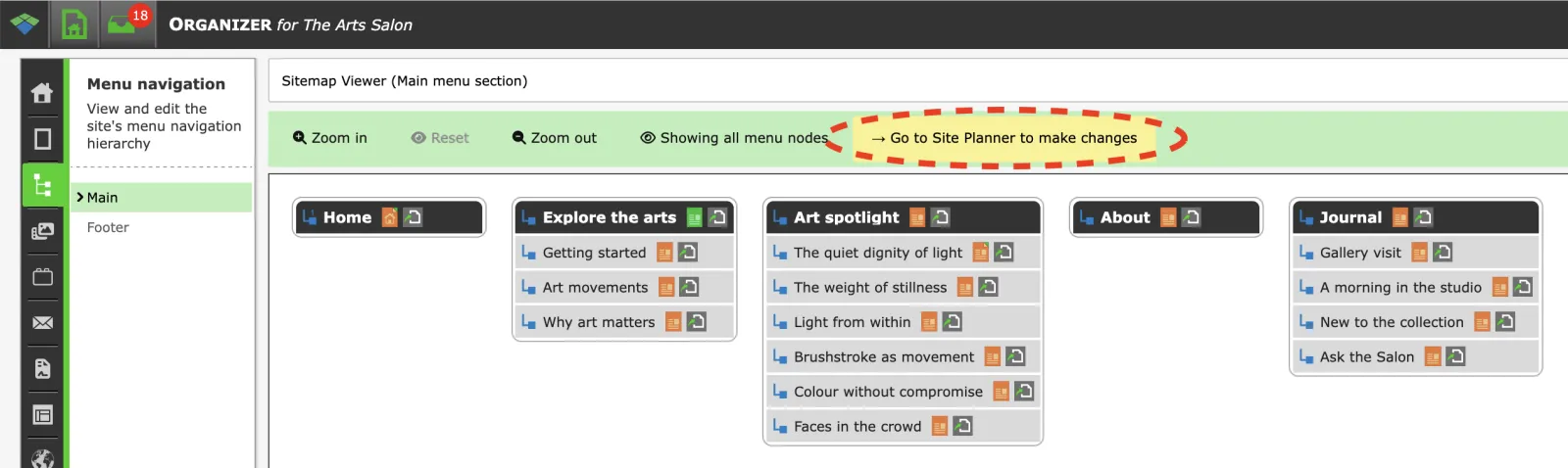
- Click 'Go to Site Planner to make changes' button.
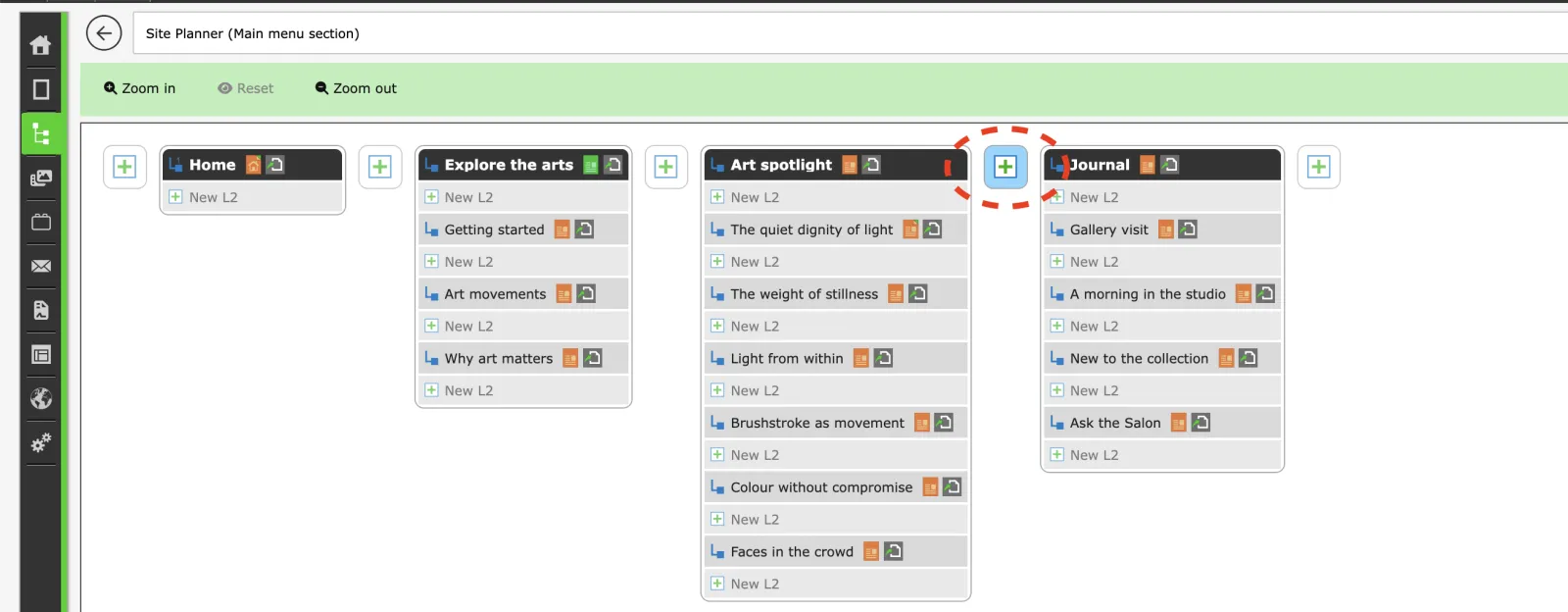
- Find the place you want to add the new menu node to, and click the '+' button. If the new node will be on level 2, click '+ New L2'. If the new node will be on level 3, click '+ New L3'. And so on.
Reordering menu nodes
- Click 'Go to Site Planner to make changes' button.
- Select the menu node to move. Click 'Move menu node...' button.
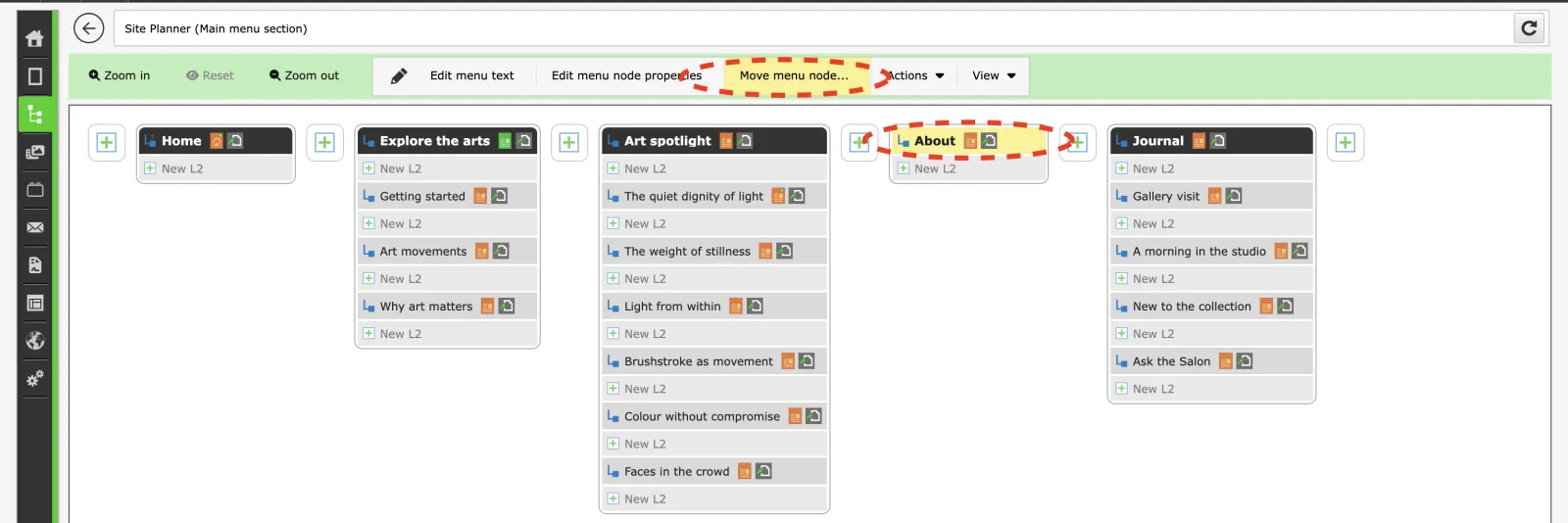
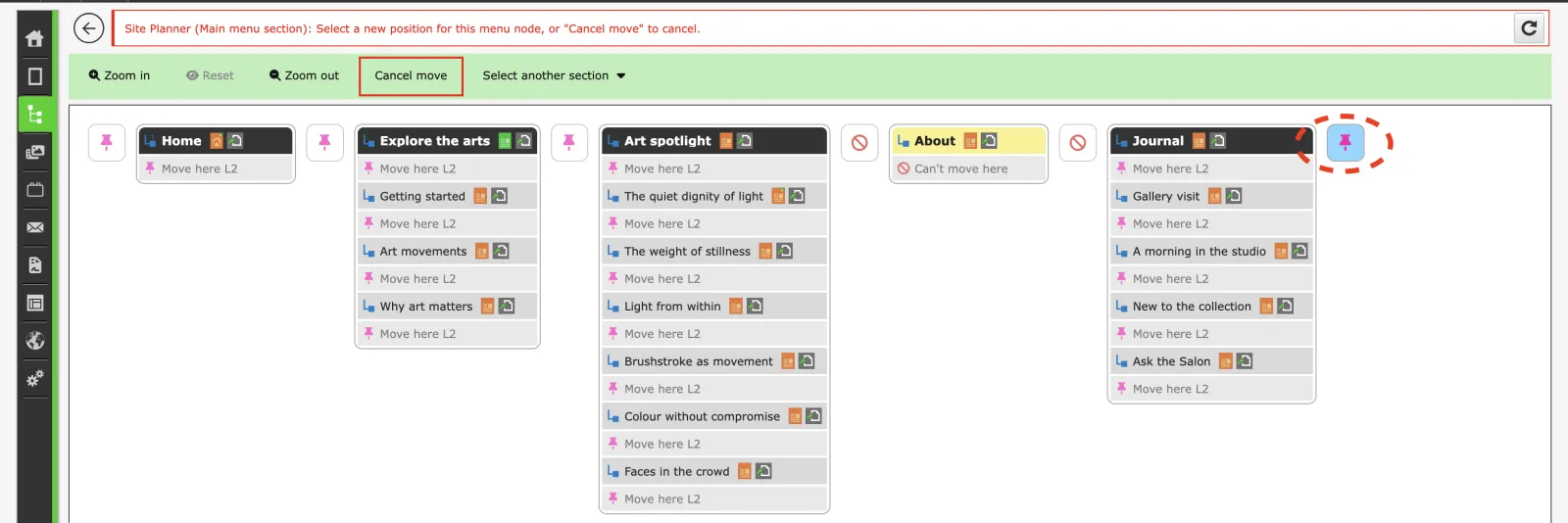
- Select the new menu position.