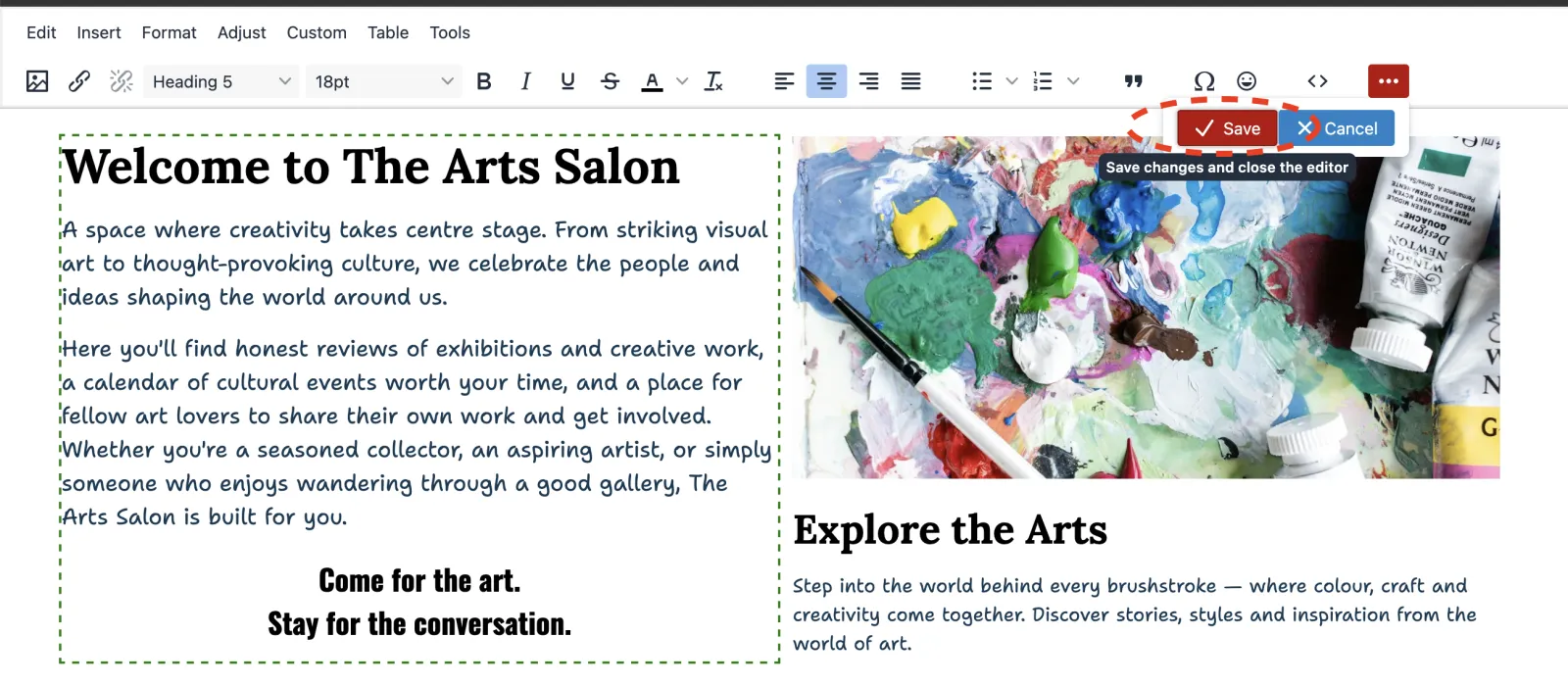
Editing main content on a page
Edit content using the WYSIWYG editor
Zenario has a WYSIWYG (what you see is what you get) editor to help you edit the main content on a page.
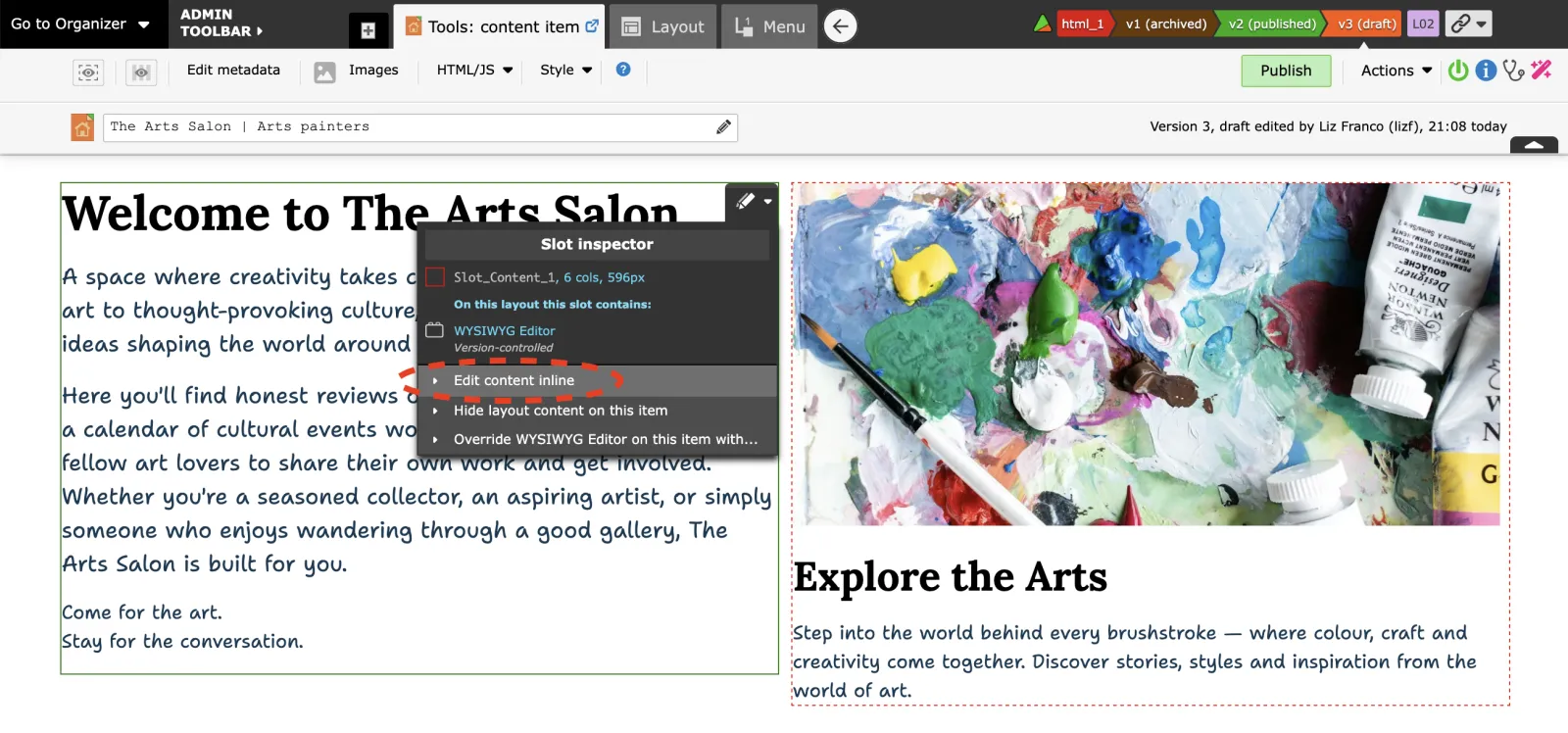
- Select the "Tools" mode on the Admin Toolbar.

- Double click on any editable slot to modify its content. Or hover over the content area to edit, click to open the slot inspector and click "Edit content inline".
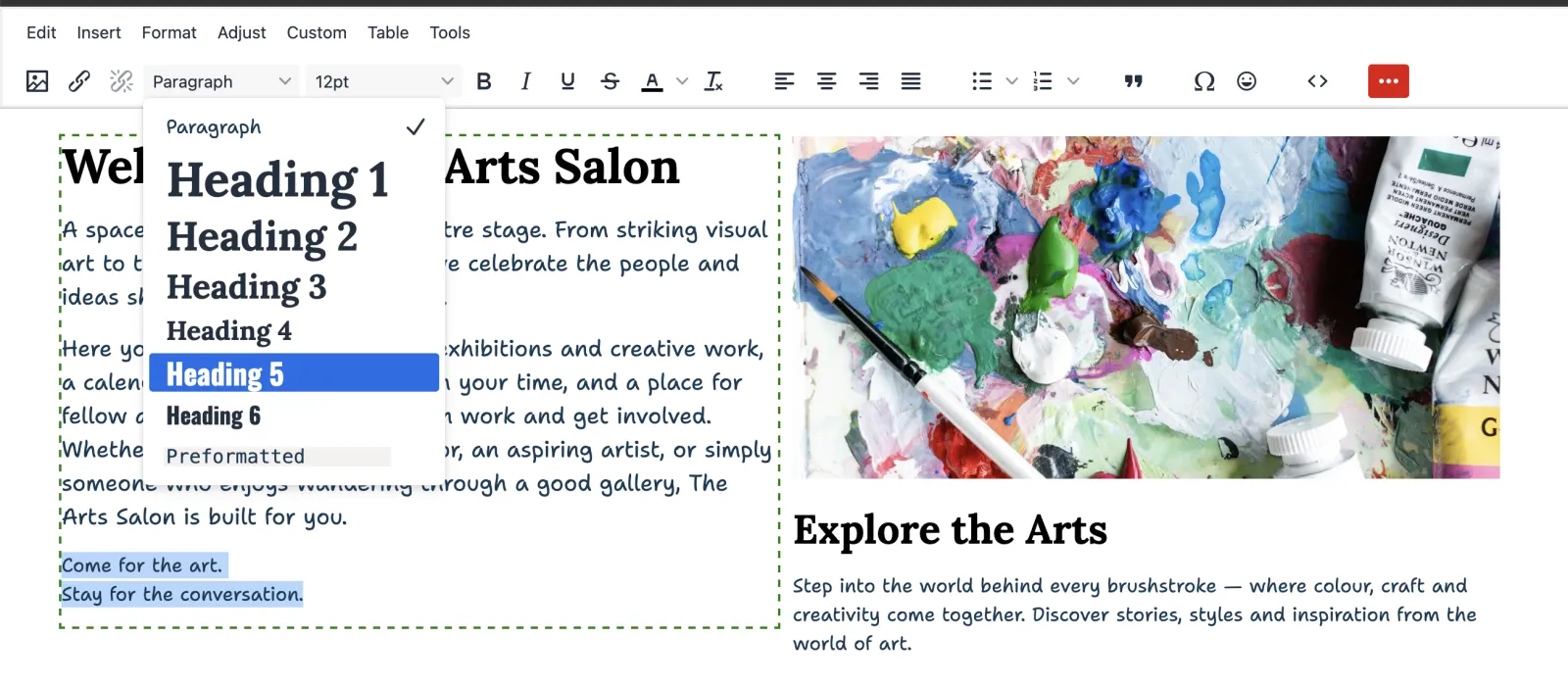
- Use the WYSIWYG editor for text formatting.
Click Save button.