Adding images on a page
There are several ways to add images to a page in Zenario:
Using the WYSIWYG Editor
This is the most common method for adding images directly into your content:
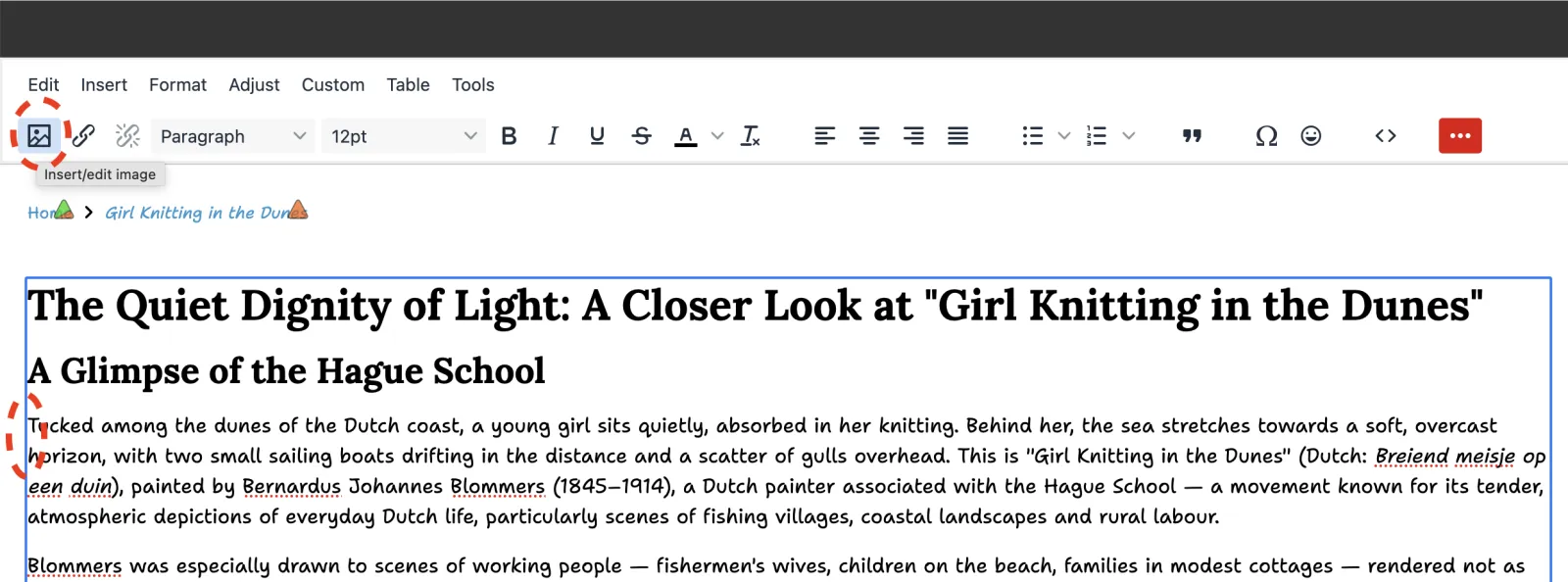
- Edit the content item and place your cursor where you want the image.
- In the WYSIWYG editor toolbar, click the image icon.
- In Source, click Browse files button.

- You can either:
- Click "+ Upload" to add a new image from your computer.
- Click "+ Add image from image library" to select an existing image.
- Click "+ Add from plugin" to reuse an image that's already being used in a plugin in the content item.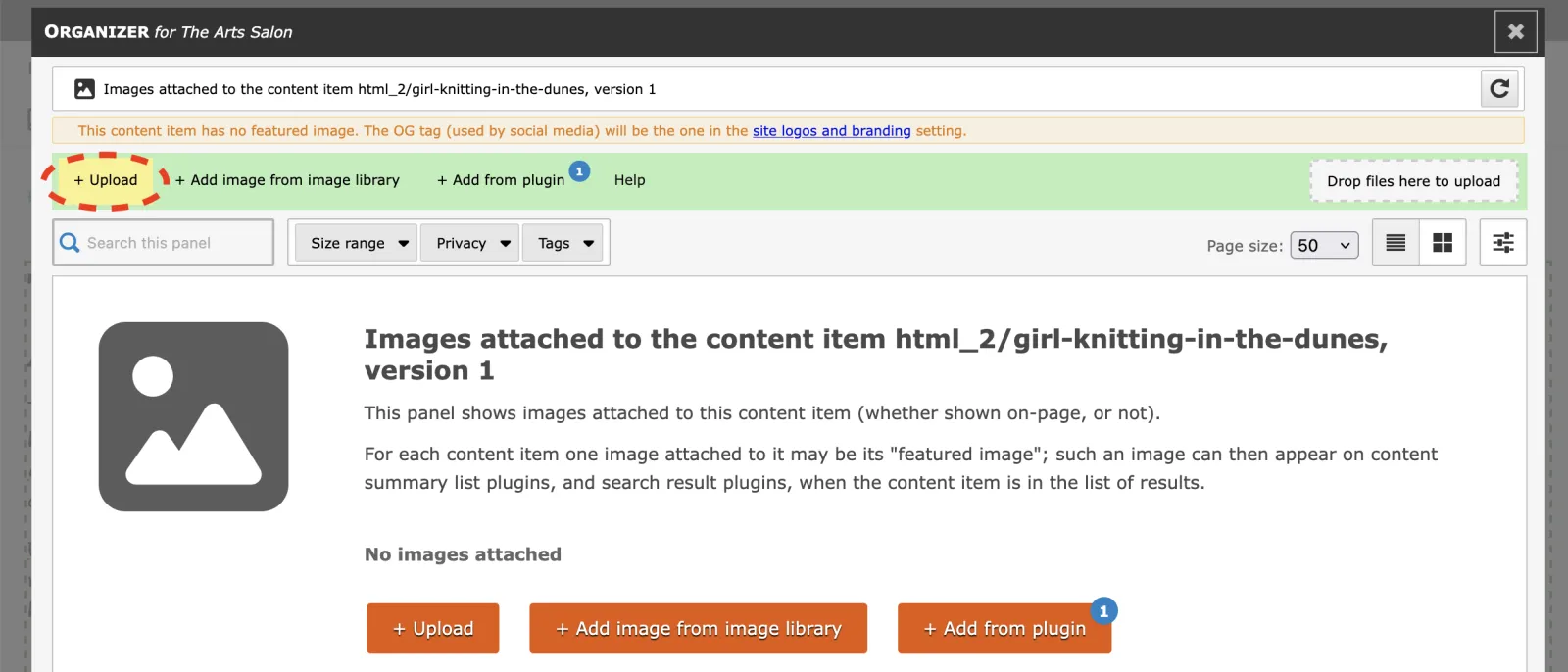
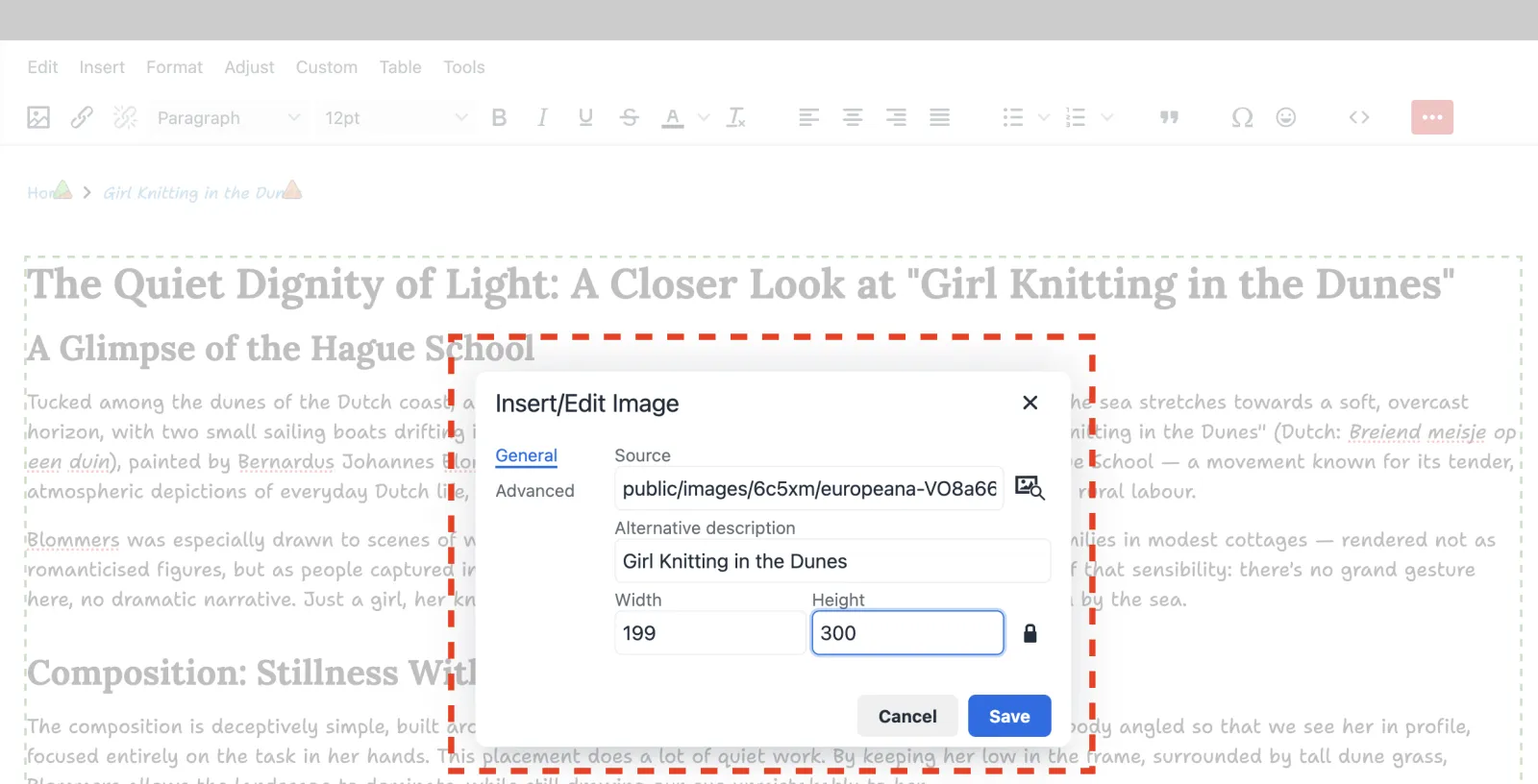
- Select your image and click "Choose".
- You can then adjust the image properties like description and size. Click "Save".
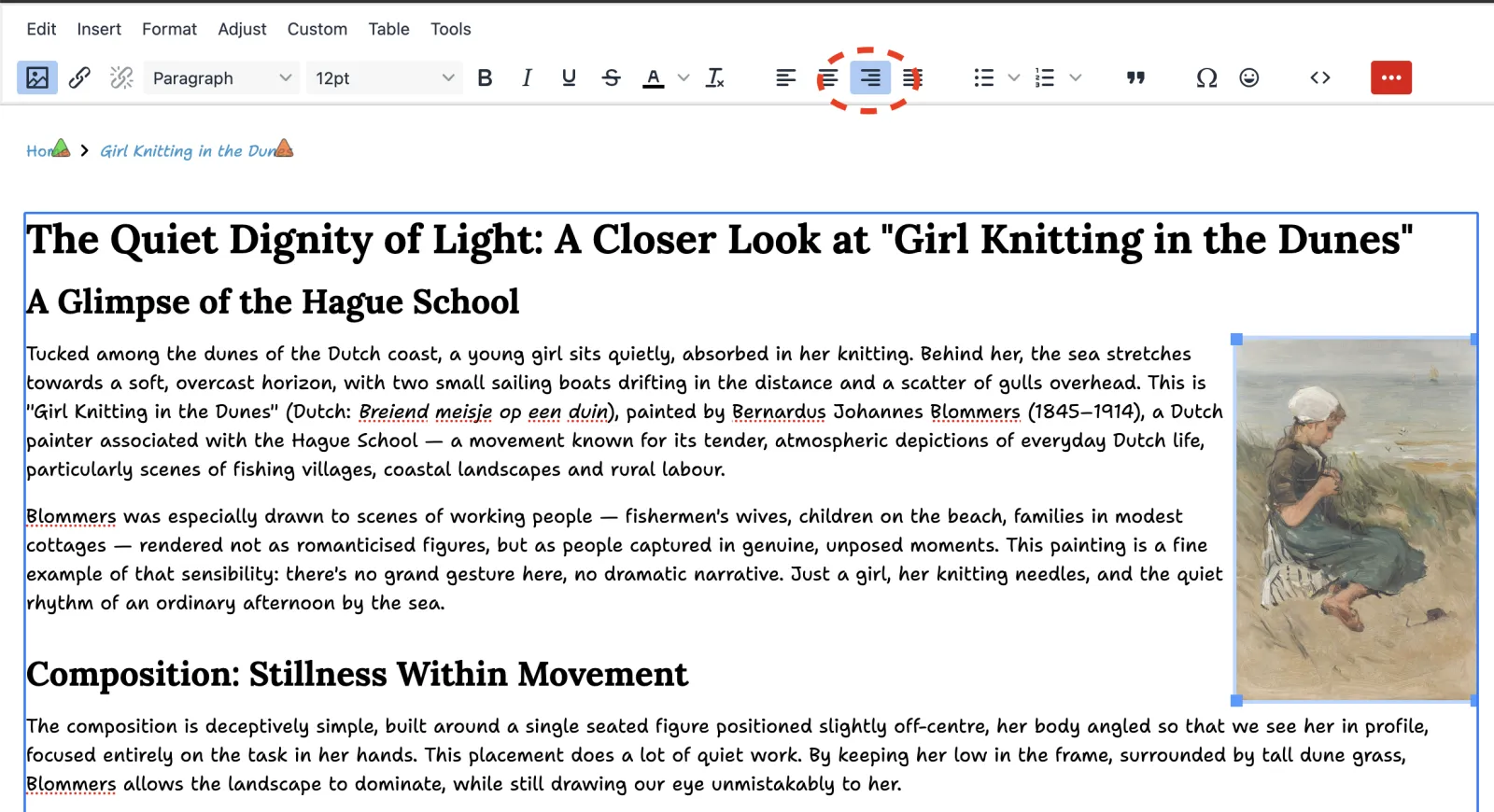
If necessary, use the alignment options on the editor to adjust the image alignment.