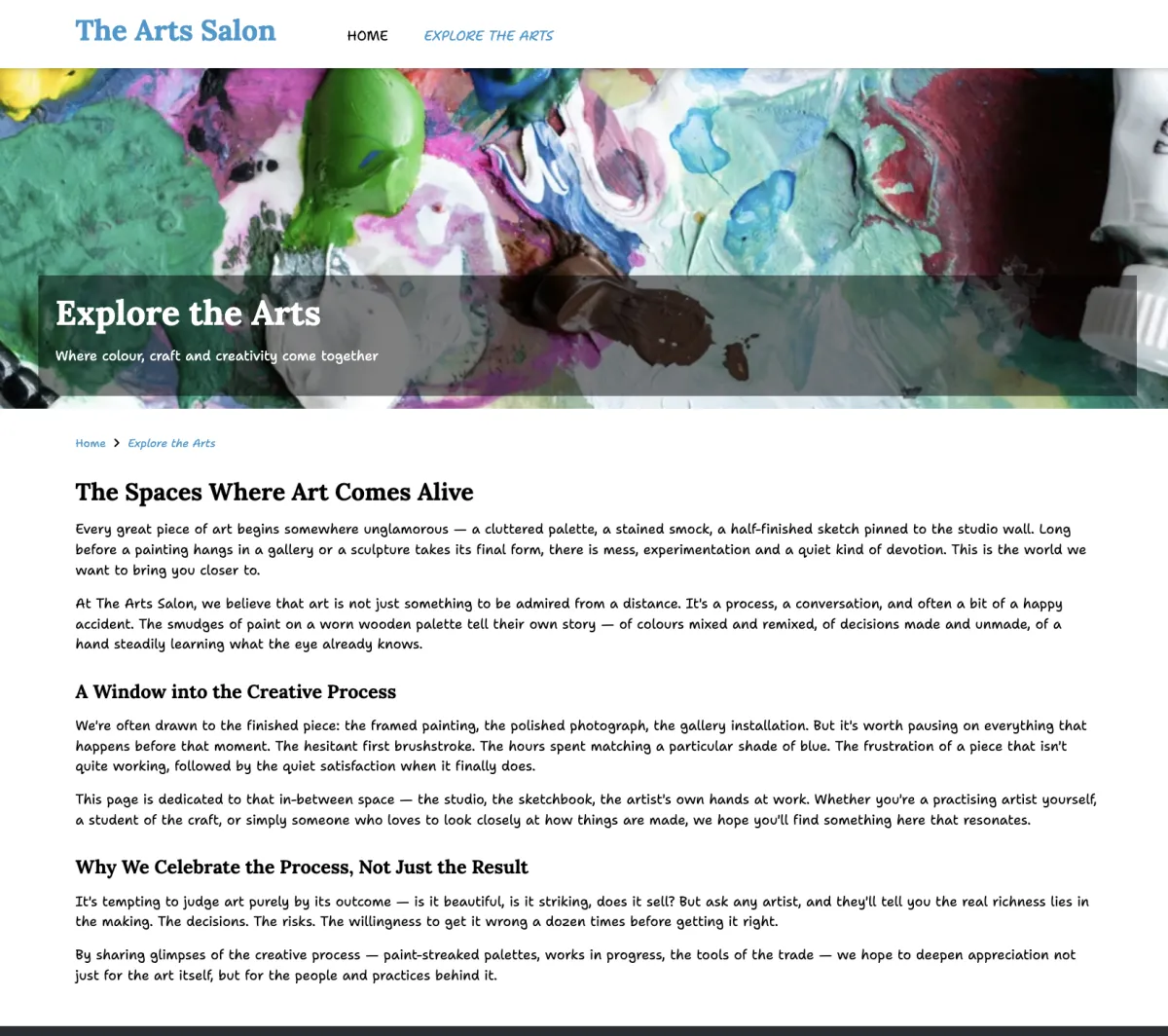
Creating a new page
To create a new page in Zenario:
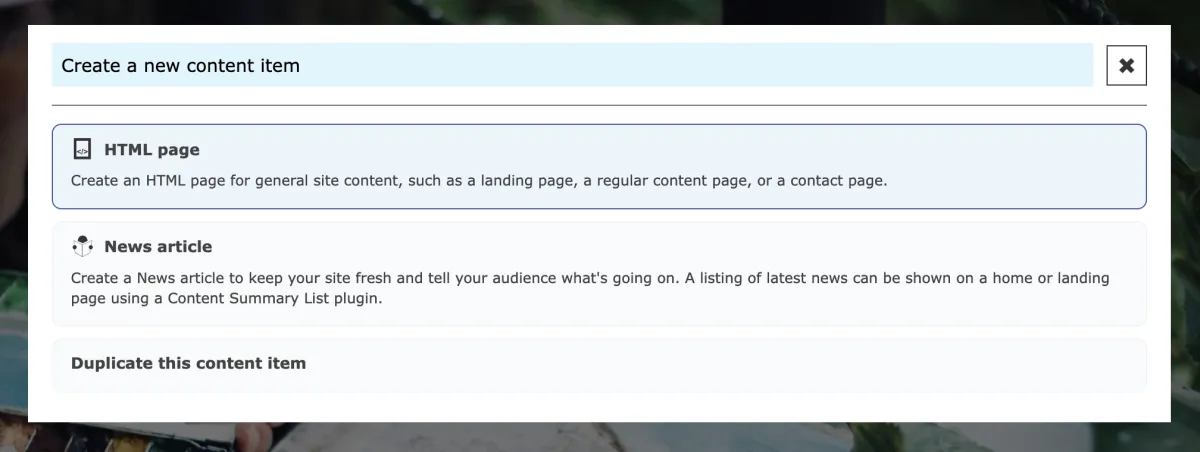
- Click "+" new button on the Admin Toolbar and click HTML page from the content type options.

- Enter a title for your page and configure any settings you need.
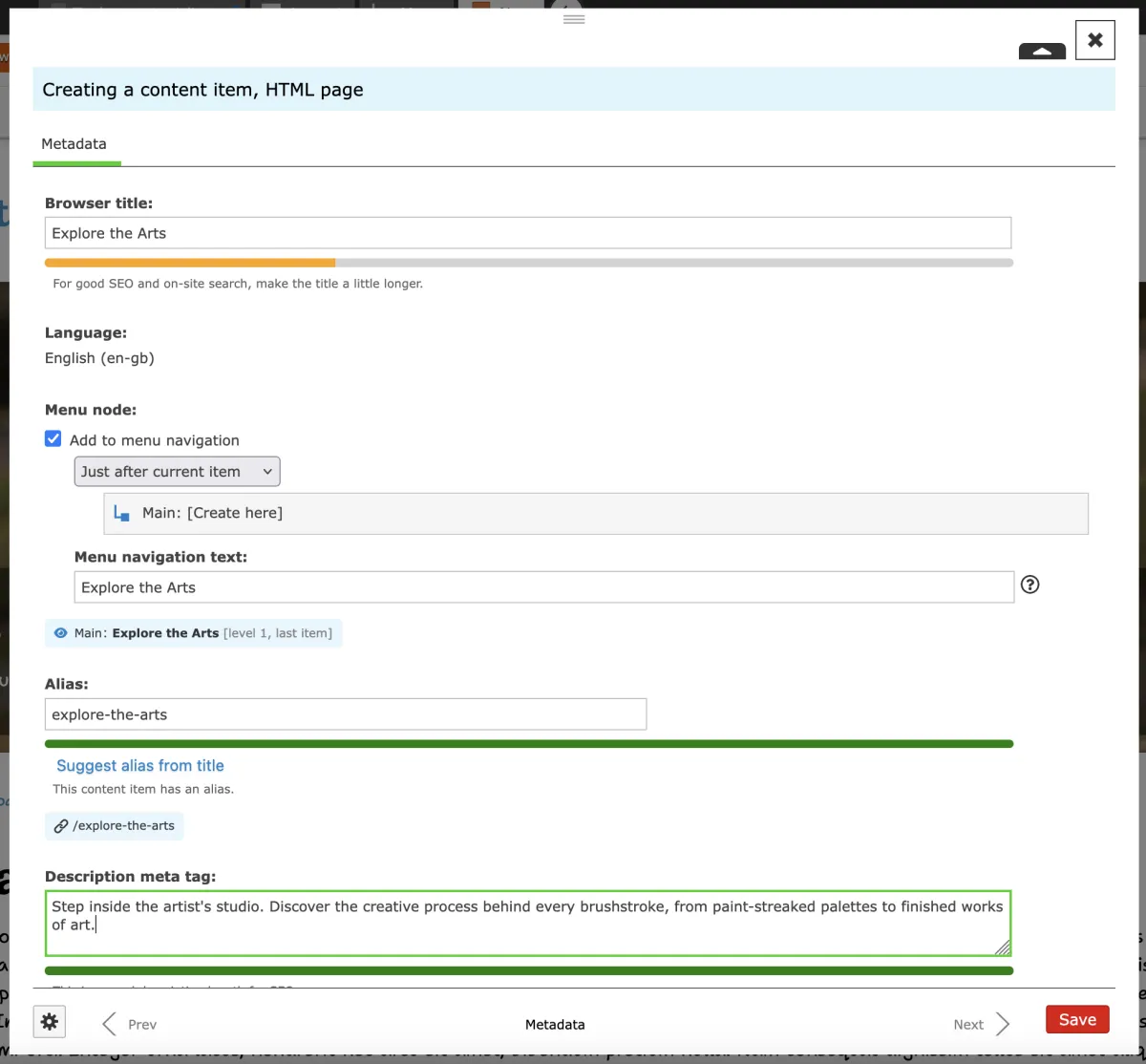
- Click Save to create the draft.
The page will be created as a draft, which means only administrators can see it. When you're ready to make it public, click "Publish" on the Admin Toolbar.